Complete Free Fire Controls Guide 2026: Master Every Button
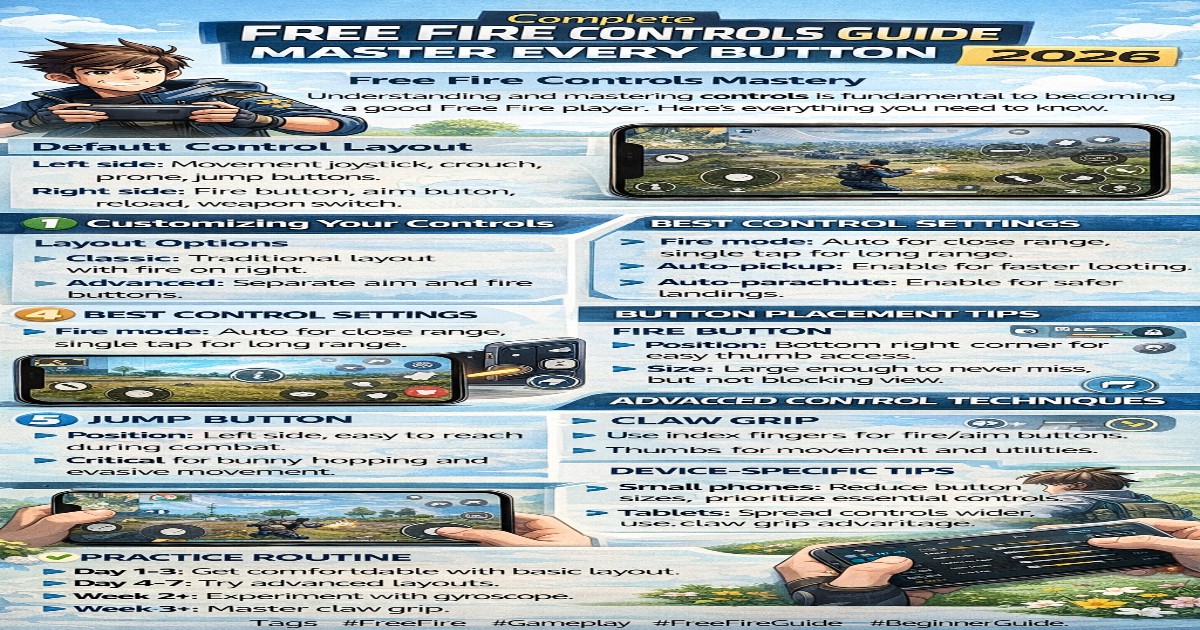
Free Fire Controls Mastery
Understanding and mastering controls is fundamental to becoming a good Free Fire player. Here's everything you need to know.
Default Control Layout
Left side: Movement joystick, crouch, prone, jump buttons.
Right side: Fire button, aim button, reload, weapon switch.
Customizing Your Controls
Layout Options
Classic: Traditional layout with fire on right.
Advanced: Separate aim and fire buttons.
Custom: Create your own perfect layout.
Best Control Settings
Fire mode: Auto for close range, single tap for long range.
Auto-pickup: Enable for faster looting.
Auto-parachute: Enable for safer landings.
Button Placement Tips
Fire Button
Position: Bottom right corner for easy thumb access.
Size: Large enough to never miss, but not blocking view.
Jump Button
Position: Left side, easy to reach during combat.
Critical for bunny hopping and evasive movement.
Advanced Control Techniques
Claw Grip
Use index fingers for fire/aim buttons. Thumbs for movement and utilities. Allows simultaneous actions.
Gyroscope Settings
Enable for precise aim adjustment. Use low sensitivity (50-100). Practice in training mode first.
HUD Customization
Minimize button: Top right corner.
Map: Top left, small size.
Gloo wall: Easy access position.
Health items: Quick access slots.
Device-Specific Tips
Small phones: Reduce button sizes, prioritize essential controls.
Tablets: Spread controls wider, use claw grip advantage.
Practice Routine
Day 1-3: Get comfortable with basic layout.
Day 4-7: Try advanced layouts.
Week 2: Experiment with gyroscope.
Week 3+: Master claw grip.
Common Control Mistakes
Buttons too small or too large. Overlapping buttons. Fire button too far from thumb. Not using quick chat.
Pro Player Control Setups
Most pros use: Advanced layout with custom modifications. Claw grip (3-4 finger). Gyroscope enabled. Auto-fire disabled.
Conclusion
Perfect controls take time. Start simple, gradually advance. Practice daily for muscle memory!
superadmin
Gaming expert sharing Free Fire pro tips and strategies.
Related Articles
Comments (0)
Search
Categories
Popular Posts
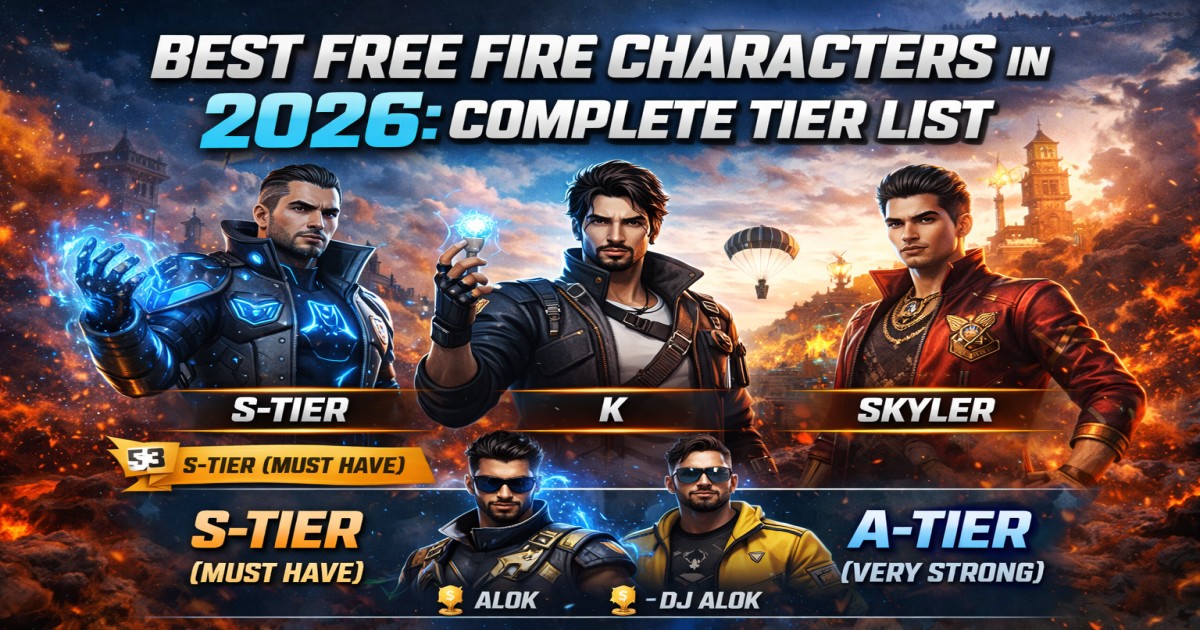
Best Free Fire Characters in 2026: Complete Tier List
3,037
Best Sensitivity Settings for Headshots in Free Fire 2026 (Pro Player Guide)
1,250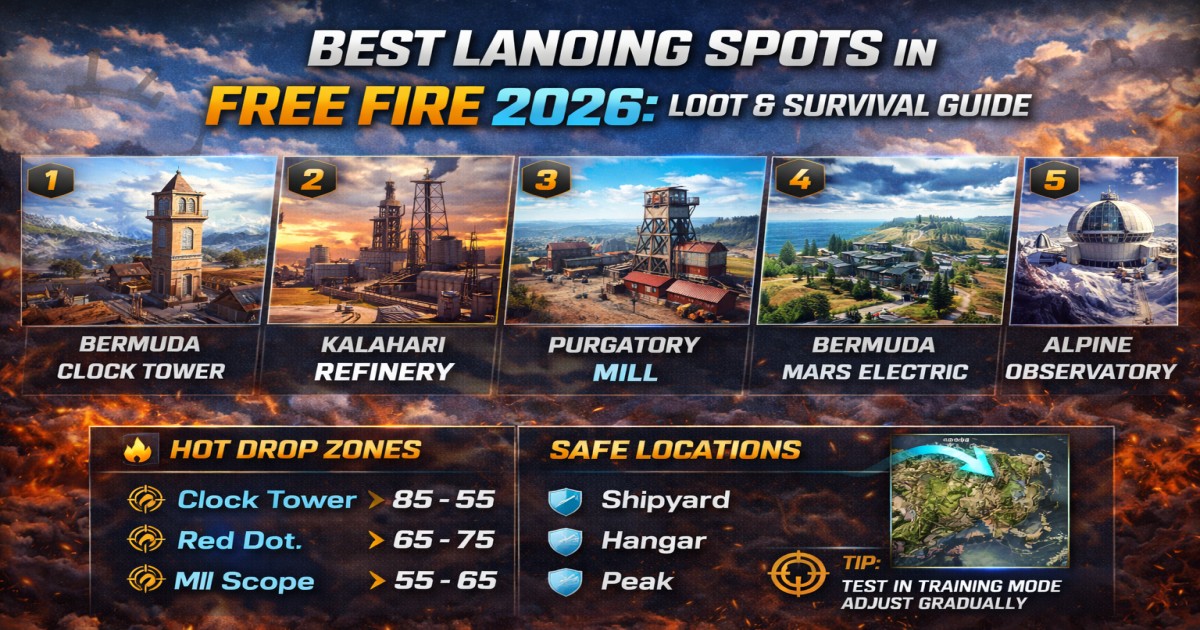
Best Landing Spots in Free Fire 2026: Loot & Survival Guide
497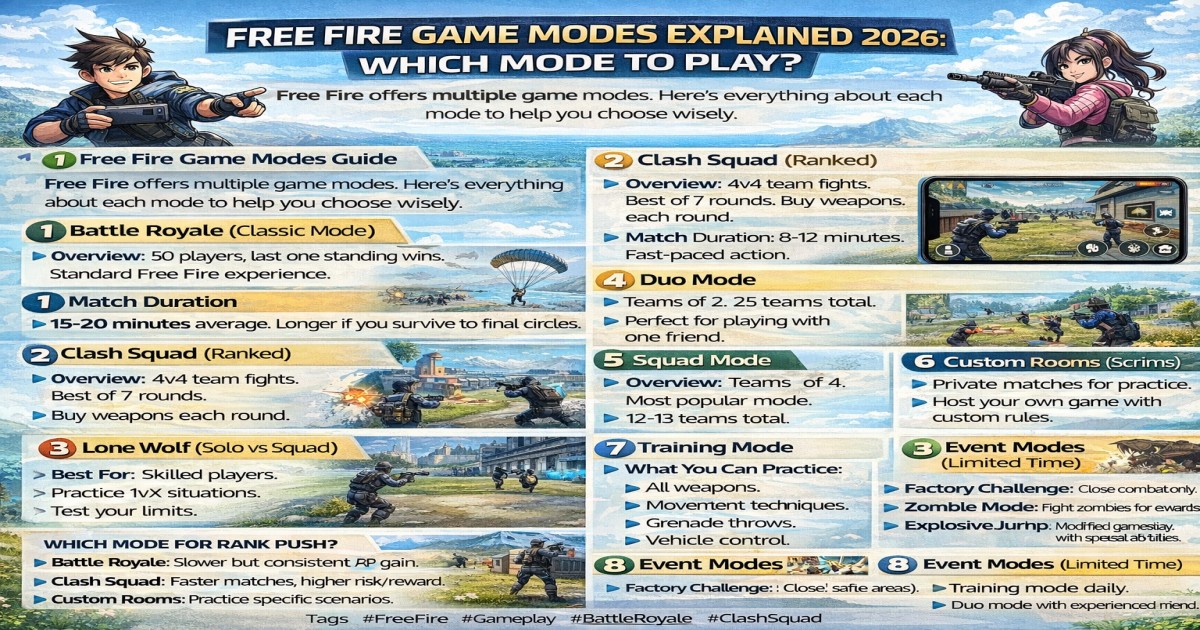
Free Fire Game Modes Explained 2026: Which Mode to Play?
258
10 Pro Tips to Win Free Fire Tournaments | Xenora Esports Guide
250Newsletter
Get Free Fire tips in your inbox!
No comments yet. Be the first to comment!